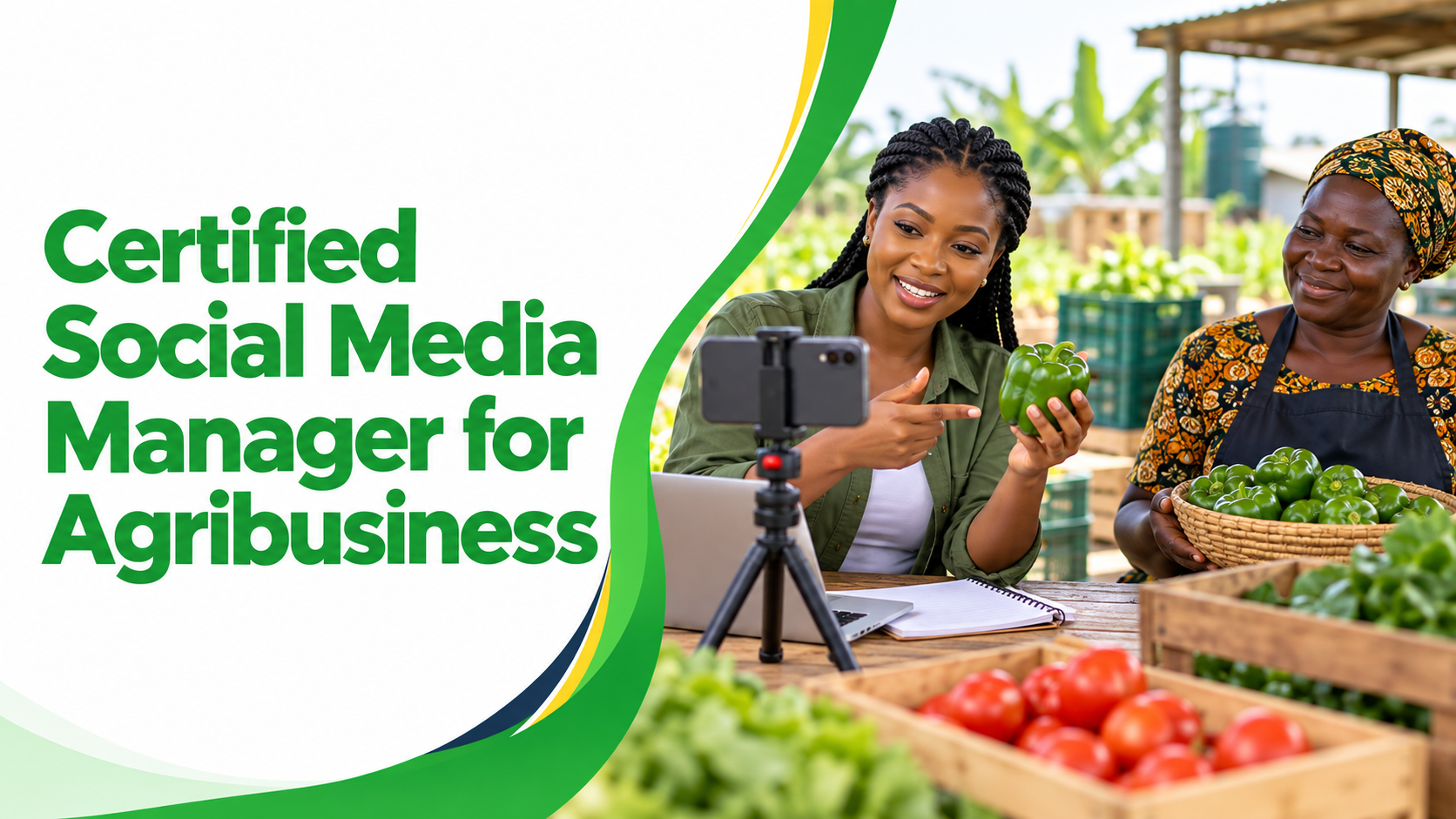
Social Media Manager for Agribusiness

Wishlist Share

About Course

Learn to manage agribusiness social content through audience research, planning, accurate writing, readable design, short-video preparation, community responses, publishing checks and useful reporting. Build a practical portfolio using an authorised business project or a clearly labelled simulation. Learn to protect product facts, permissions and personal information while using digital tools and AI with human review.

What Will You Learn?

  • Prepare a brand and audience brief.
  • Organise a manageable calendar.
  • Create accurate captions, a visual and a carousel.
  • Plan or edit a short permitted video.
  • Route enquiries and complaints.
  • Verify approved publication.
  • Calculate defined metrics.
  • Review AI output.
  • Present genuine portfolio evidence.

Course Content

Module 1: The Agribusiness Social Media Role and Brand Brief
Understand the work, boundaries and evidence a social media manager needs before representing an agricultural business. You will work through examples, complete a practical output and check your understanding before moving on.

  • Lesson 1: Introduction
  • Lesson 2: The Social Media Role and Brand Brief
    09:12
  • Lesson 3: Build a readable brand brief
    52:02
  • Lesson 4: Practical Guide
  • Lesson 5: Visual Summary
  • Lesson 6: Practical Task
  • Lesson 7: Approve Your Campaign Project Scope
  • Lesson 8: Discussion
  • Module 1 Knowledge Check: The Social Media Role and Brand Brief
  • Submit: Approve Your Campaign Project Scope

Module 2: Audience Research Social Listening and Channel Selection
Research the people you want to serve and select channels from their needs and the business capacity. You will work through examples, complete a practical output and check your understanding before moving on.

Module 3: Content Strategy Campaign Planning and Calendars
Turn a business objective into a manageable campaign, content themes and a calendar with review and production time. You will work through examples, complete a practical output and check your understanding before moving on.

Module 4: Writing Captions Stories and Calls to Action
Write accurate, clear content that connects an audience question to a useful message and an appropriate next action. You will work through examples, complete a practical output and check your understanding before moving on.

Module 5: Designing Accessible Images Carousels and Brand Assets
Create readable visual assets with clear hierarchy, accurate information, usable accessibility and documented permissions. You will work through examples, complete a practical output and check your understanding before moving on.

Module 6: Planning Filming and Editing Short Agribusiness Videos
Produce a clear short-video plan and a reviewed edit using permitted assets, accurate captions and an appropriate disclosure process. You will work through examples, complete a practical output and check your understanding before moving on.

Module 7: Community Management Enquiries Complaints and Escalation
Respond helpfully, protect personal information and route questions and incidents to the appropriate business owners. You will work through examples, complete a practical output and check your understanding before moving on.

Module 8: Publishing Distribution Partnerships and Paid Promotion Basics
Publish reviewed content carefully and understand the limits of scheduling, partnerships and paid distribution. You will work through examples, complete a practical output and check your understanding before moving on.

Module 9: Analytics Reporting and Responsible AI Workflows
Calculate interpretable metrics, explain limitations and use AI as reviewed assistance rather than evidence. You will work through examples, complete a practical output and check your understanding before moving on.

Module 10: Applied Content Campaign and Portfolio Submission
Bring the cumulative tasks into one coherent campaign pack with checked assets, documented permissions and an honest analysis. You will work through examples, complete a practical output and check your understanding before moving on.

Module 11: Social Media Careers CV Portfolio and Interview Practice
Present genuine content capabilities, understand related roles and practise interviews using inspectable work. You will work through examples, complete a practical output and check your understanding before moving on.

Module 12: Professional Practice Client Work and Continued Learning
Organise sustainable content work, protect records and plan continued practice and responsible public sharing. You will work through examples, complete a practical output and check your understanding before moving on.

Module 13: Final Examination and Course Assessment
Bring together what you have learned across the course. Answer practical knowledge questions, review your required submissions and check your next steps for assessment feedback.

Earn a certificate

Add this certificate to your resume to demonstrate your skills & increase your chances of getting noticed.
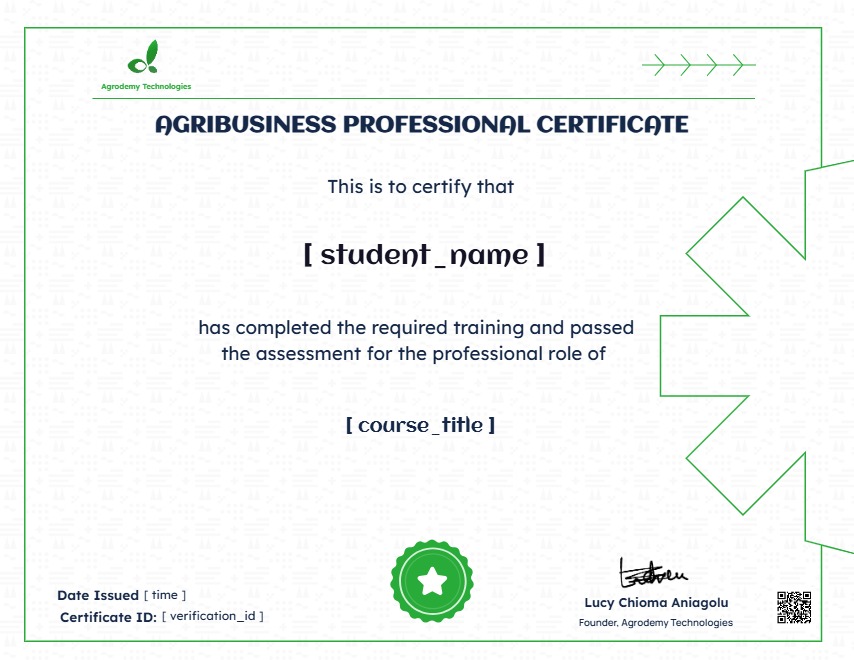
selected template

Student Ratings & Reviews

No Review Yet
No Review Yet

Want to receive push notifications for all major on-site activities?

✕
Select your currency
NGN Nigerian naira
Scroll to Top